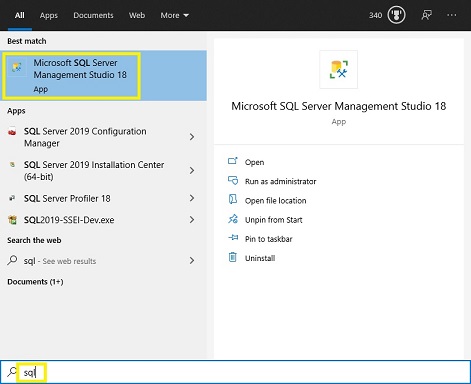
Assuming that you're running Microsoft Windows...
- Open the start menu and select 'Microsoft SQL Server'.
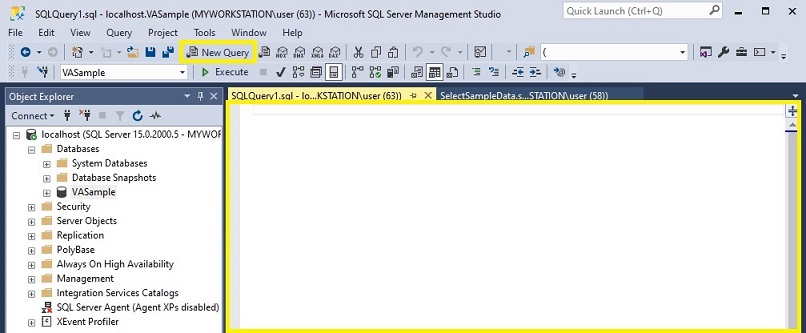
- Click on the 'New Query' button to open a new query window in SSMS.
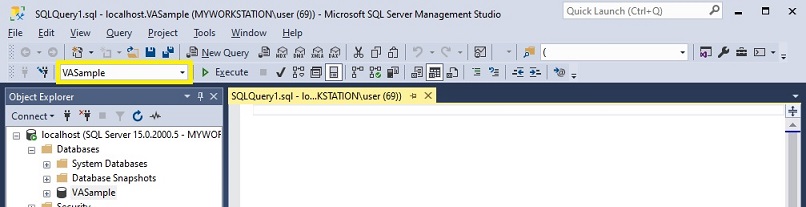
- Ensure that you're connected to the proper database in the 'Available Databases' drop-down list.
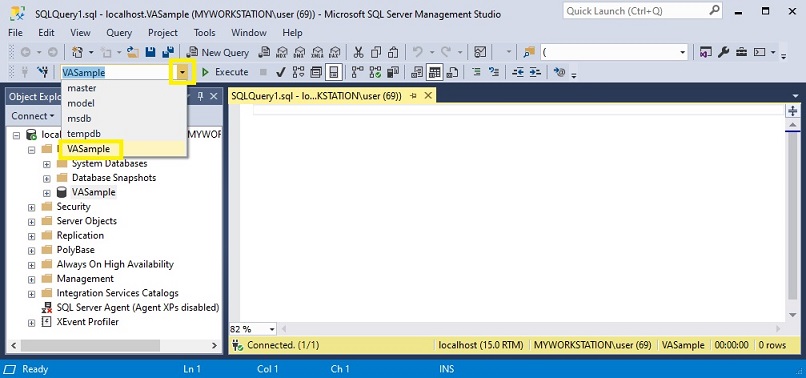
- If not already connected to the proper database, click on the down arrow of the drop-down list and select the database of your choosing.
This concludes our tutorial on opening SQL Server Management Studio (SSMS). Please reach out to us if you encountered any issues or if you have feedback or suggestions that you would like to send our way.